
Z Grills Wi-Fi grills connect through the Z Grills 2.0 app on a 2.4 GHz network only. Pair the grill over Bluetooth within about 30 feet, enter your network name and password, and it shows as Online after 30 to 60 seconds. A 5 GHz-only or WPA3-only network is the usual reason setup fails.
Which Z Grills have Wi-Fi?
The whole current Wi-Fi lineup: the 7002C2E, the 700D4E, the 1000D4E, the 10502B Wi-Fi XL and the Multitasker 11002B and 7052B. The Pioneer 450B and the Fire Beast 6002B have no Wi-Fi.
Setup, step by step
- Put your phone on your 2.4 GHz Wi-Fi network, turn Bluetooth on and power up the grill within about 30 feet.
- Install the Z Grills 2.0 app from the App Store or Google Play and log in.
- Tap +Add Device, then Search For Device, and select your grill when it appears.
- Enter your network name and password. The password is case-sensitive.
- Wait 30 to 60 seconds. The grill shows as Online on the app dashboard.
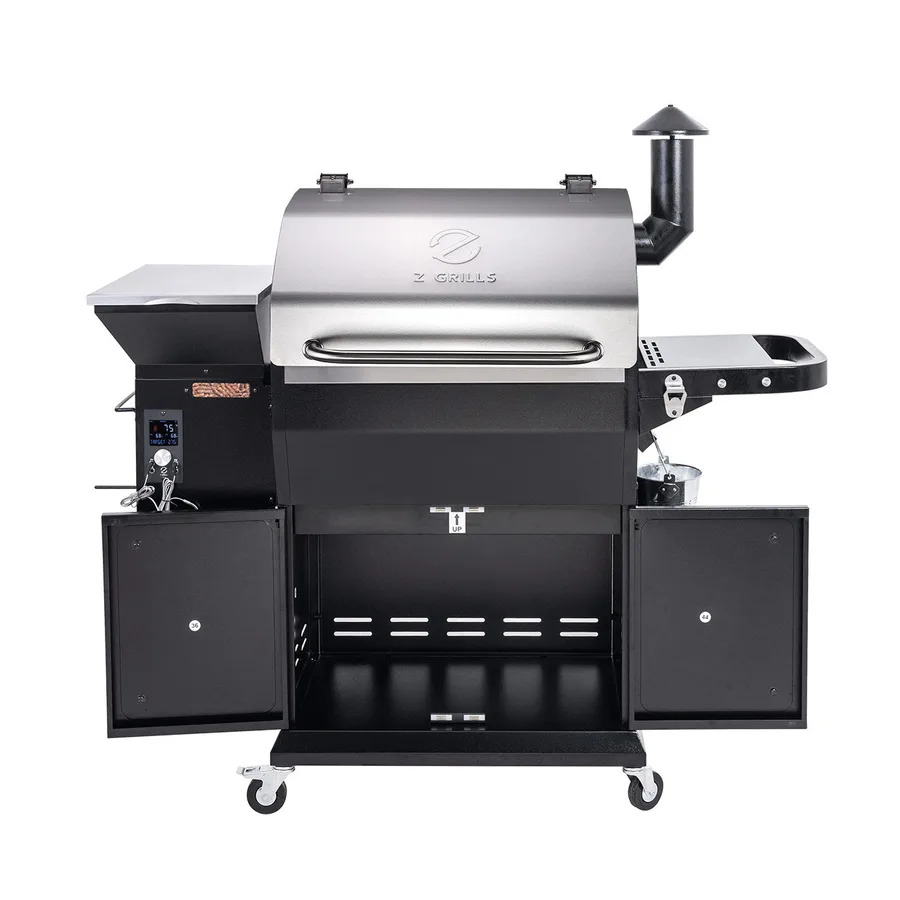
Z Grills BBQ Legend 1000D4E Wi-Fi
9.4Excellent · out of 10The big-family Z Grills: 1,056 sq in on three levels, a cabinet and an ash drawer.
When it will not connect
- 5 GHz network: Z Grills Wi-Fi models use 2.4 GHz only. If your router merges both bands under one name, split them or turn on a 2.4 GHz guest network for setup.
- WPA3-only security: Z Grills asks for WPA2. A WPA3-only network can block the grill.
- Weak signal: the grill sits outside, often behind brick or metal. Move the router closer, or add a mesh point or extender near the patio.
- Router change: a new router or password means pairing the grill again from the app.
If the app connects but the grill drops off mid-cook, signal strength is the most common cause, according to Z Grills. The grill keeps running on its own controller when the app loses it, so your cook goes on.
Is Wi-Fi worth paying for?
For overnight brisket and long pork butts, yes: you can check the pit and the meat probes from the house and adjust the temperature without walking out. For burgers and weeknight chicken, a dial controller like the 450B is fine.
Every current 700 series, 1000 series and Multitasker grill has Wi-Fi, so you rarely pay extra for it. The 7002C2E is the cheapest way into the 700 series with the app, and the 1000D4E adds three racks.
If the Wi-Fi board fails after the warranty, a replacement board costs about $100 to $120, as listed in our parts guide.
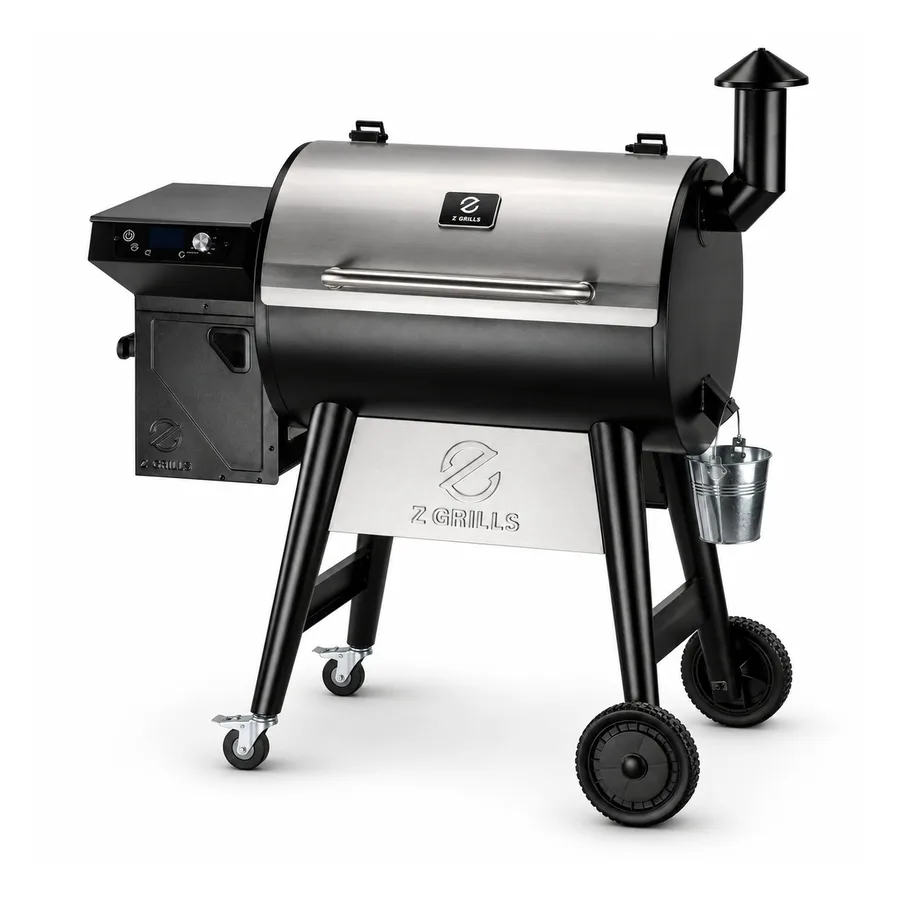
Z Grills 7002C2E Wi-Fi
9.0Excellent · out of 10Z Grills' best-selling 700 series grill: Wi-Fi, 28 lb hopper and an ash cleanout, without the cabinet.
Frequently asked questions
What app do Z Grills use?
The Z Grills 2.0 app, on the App Store and Google Play.
Do Z Grills work on 5 GHz Wi-Fi?
No. Z Grills Wi-Fi models connect on 2.4 GHz only.
Why will my Z Grill not connect to Wi-Fi?
Usually a 5 GHz network, a WPA3-only router or a weak signal at the grill. Pair on 2.4 GHz with WPA2, close to the router.
Does my Z Grill keep cooking if Wi-Fi drops?
Yes. The controller on the grill keeps running the cook, and the app reconnects when the signal returns.